
How to Play Competitive CS:GO in 2026: The Complete Guide
Following the release of Counter-Strike 2, Valve disconnected the official Game Coordinator for CS:GO and moved the project to the archival csgo_legacy branch. As a result, millions of competitive players faced identical issues: empty inventories, broken matchmaking queues, and disabled case openings.
In this guide, I will explain in detail how the classic CS:GO ecosystem functions today and how you can run the game with full 5v5 competitive matchmaking, 128 tickrate dedicated servers, and a fully functional inventory.
What is the Core Technical Problem with CS:GO Legacy?
When you launch the archival CS:GO build through Steam today:
- Valve's Game Coordinator is offline: The game client tries to send protobuf packets to Valve's authorization cluster, but the requests are rejected. Because of this, your inventory fails to load and your profile appears completely frozen.
- Official matchmaking is dead: Built-in match finding buttons lead nowhere.
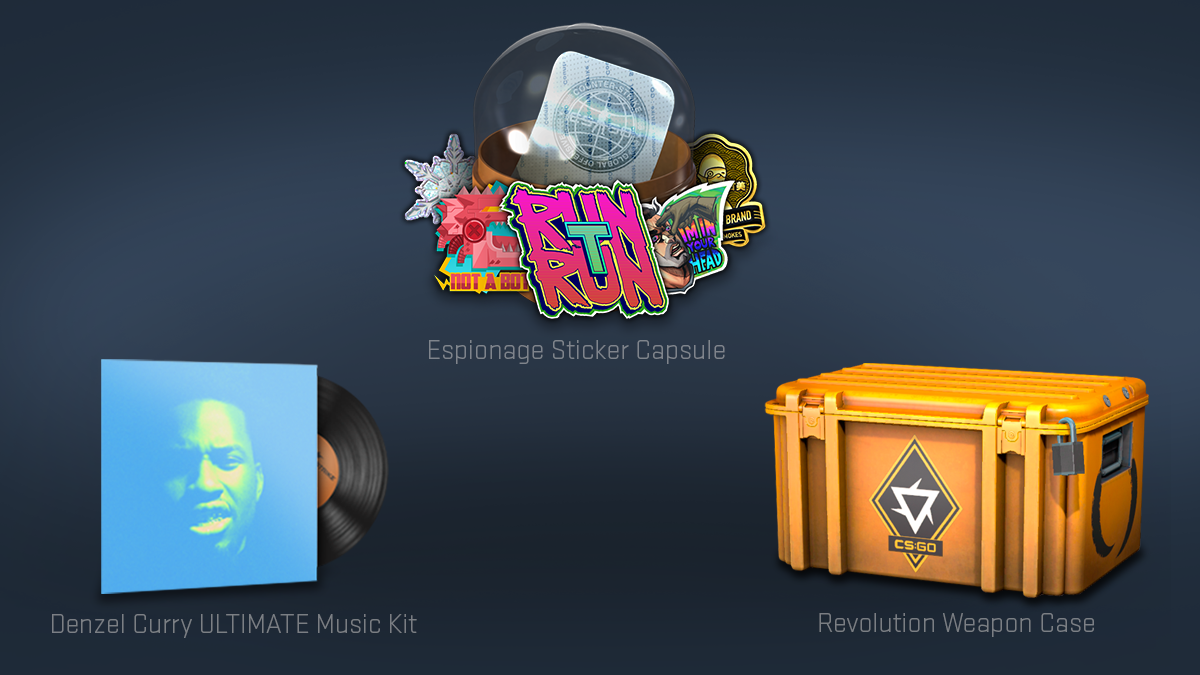
- Item drops are disabled: In-game cases and skins no longer drop after matches on standard community servers.
To solve this challenge, I developed LegacyStrike — an integrated platform that restores the genuine competitive CS:GO experience directly inside the native Panorama UI without third-party overlays.
What I Built in the LegacyStrike Ecosystem
Rather than relying on fragile client-side plugins, I engineered a robust server-side infrastructure:
- Standalone Inventory Coordinator: A custom C++ protocol bridge intercepts client GC network calls and translates them into REST API requests handled by a NestJS backend and PostgreSQL 17 database.
- Skin Persistence and Post-Match Drops: Every completed 5v5 competitive match on dedicated servers generates case drops that open completely free without keys.
- Default 128 Tickrate: All competitive servers run classic 128-tick networking, ensuring flawless hit registration without subtick inconsistencies.
- Trade-Up Contracts: Native support for skin crafting directly inside the game interface.
Step-by-Step Installation Guide
Step 1. Authentication and Fair Play Verification
- Navigate to the main page of the platform and click "Sign in through Steam".
- Authentication uses the official Steam OpenID protocol — the platform never requests or stores your login credentials.
- The system automatically verifies that your account has no active VAC bans and holds 200+ hours of CS:GO playtime (this serves as a fundamental barrier against smurfs and cheaters).
Step 2. Download the Launcher
- Download the official LegacyStrike launcher from your dashboard.
- The launcher automatically validates clean
1.38.8.1client files, applies optimal launch parameters (-novid -tickrate 128 -high +fps_max 0), and configures the required network libraries.
Step 3. Find a Match and Play
- Launch the game via the launcher.
- Inside the native Panorama UI main menu, assemble a lobby with your friends and queue for 5v5 competitive matchmaking.
- The game server automatically applies your chosen custom loadout with skins and stickers as soon as you connect.
Frequently Asked Questions
Do I need to pay to open cases?
No. The project is completely non-commercial. Cases drop automatically for match victories and playtime, and opening containers is 100% free.
Is the launcher safe for my Steam account?
Yes. The launcher runs the archival 1.38.8.1 version of the game in isolated parameters and never communicates with official CS2 servers protected by VAC.
