Competitive Matchmaking & Wingman Release
I am thrilled to announce a major update for LegacyStrike: Competitive (5v5) and Wingman (2v2) matchmaking modes are now officially live.
Match search, party lobbies, and skill groups operate directly inside the native CS:GO user interface without any third-party overlays.
1. Game Modes
- Competitive Mode (5v5): standard competitive ruleset on active duty maps, 10-win rank calibration, and dynamic ELO recalculation.
- Wingman Mode (2v2): fast-paced tactical battles on compact map versions designed for duo synergy.
2. Matchmaking Architecture & Rating Engine
- Glicko-2 Core: the backend (NestJS + PostgreSQL) computes rating adjustments taking into account individual performance, opponent strength, and rating deviation.
- 18 Native Skill Groups: integrated via custom C++ Game Coordinator directly into the game client SOCache.
- Web Leaderboards & Statistics: match history, detailed round logs, K/D ratios, and ELO ratings are available on your website profile.
- Fair Play & Leaver Protection: automatic rank compensation and penalty adjustments for early disconnects or banned opponents.
3. Dedicated 128 Tickrate Servers
- High-performance 128 tickrate dedicated game servers.
- Custom SourcePawn plugins handle match state, player whitelisting, and in-game inventory skin/sticker rendering.
4. Post-Match Drops & Rewards
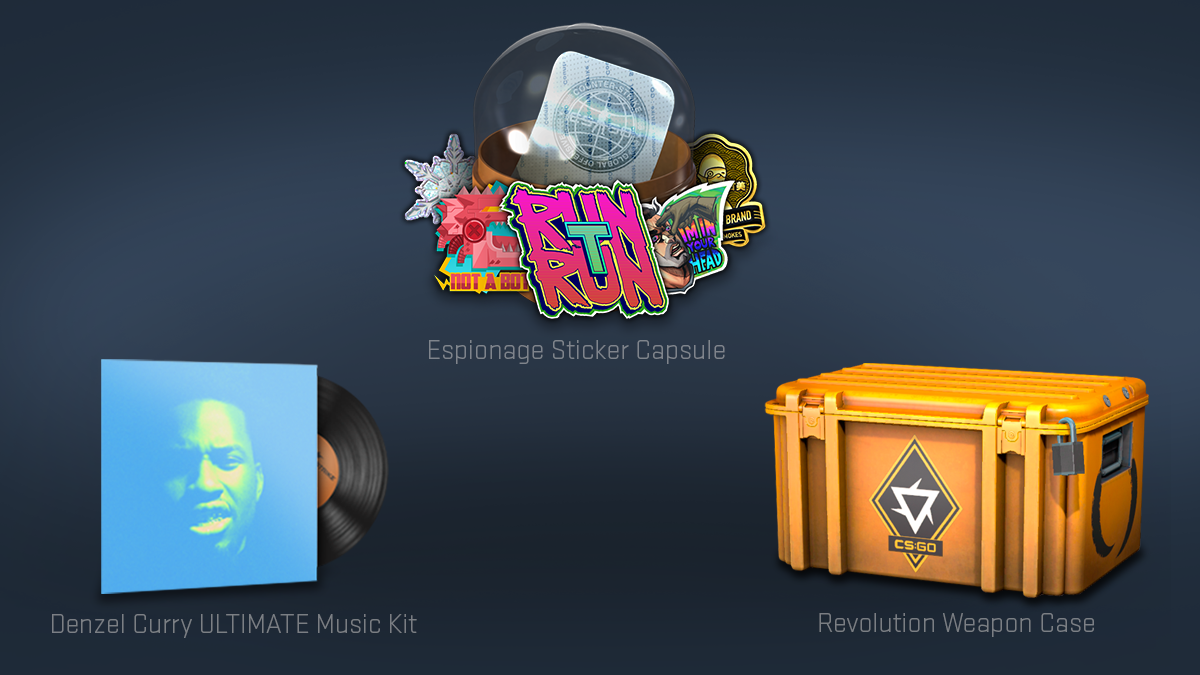
Playing competitive and Wingman matches grants profile experience and chances for post-match case and sticker capsule drops, fully synced with your web inventory.
5. Quick Start
- Sign in via Steam OpenID on
https://legacystrike.online. - Download the launcher from the website dashboard.
- Select your clean CS:GO directory (
csgo_legacybranch, AppID 4465480). - Launch the game, pick your game mode, and enter the matchmaking queue.